Support
Support for Zapa customers.
Existing customers can request help, track service activity, and access support through the Zapa customer portal.
Where To Start
New customer or existing account?
New customers
Use Get a Quote to request internet, network, installation, cybersecurity, cloud, or managed IT services.
Get a QuoteExisting customers
Use the Customer Portal to submit support tickets, view project activity, and access documentation.
Open Customer PortalUrgent issues
Eligible service accounts can request urgent support through the portal or designated Zapa support channels.
Request ServiceSupport Categories
Tell us what you need help with
Every request is routed by category so the right specialist responds quickly.
Internet outage
Connection is down at one or more sites.
Wi-Fi issue
Coverage gaps, drops, or weak signal.
Slow connection
Degraded speeds or performance.
Device support
Computers, phones, and endpoints.
Account access
Logins, permissions, and access.
Microsoft 365
Email, accounts, and collaboration.
Google Workspace
Mail, accounts, and apps.
Security concern
Suspicious activity or incidents.
Hardware issue
Routers, switches, APs, and gear.
Camera / access control
Networking for cameras and access.
Backup or recovery
Data backup and restoration.
Billing question
Invoices and account billing.
Technician visit
Schedule or follow up on onsite work.
General support
Anything else you need help with.
Urgency Levels
Clear priorities for every request
Emergency
Internet outage, business-critical failure, security incident, or major service interruption.
High
Major service degradation, partial outage, urgent user access issue, or important business disruption.
Standard
Routine support, configuration change, device issue, user setup, or service question.
Planned
New installation, upgrade, site expansion, documentation request, or future project.
Zapa provides 24/7 support for eligible service accounts. Same-day or next-day dispatch may be available depending on location, technician availability, equipment, and project scope.
Field Support
Field support coordinated through Zapa.
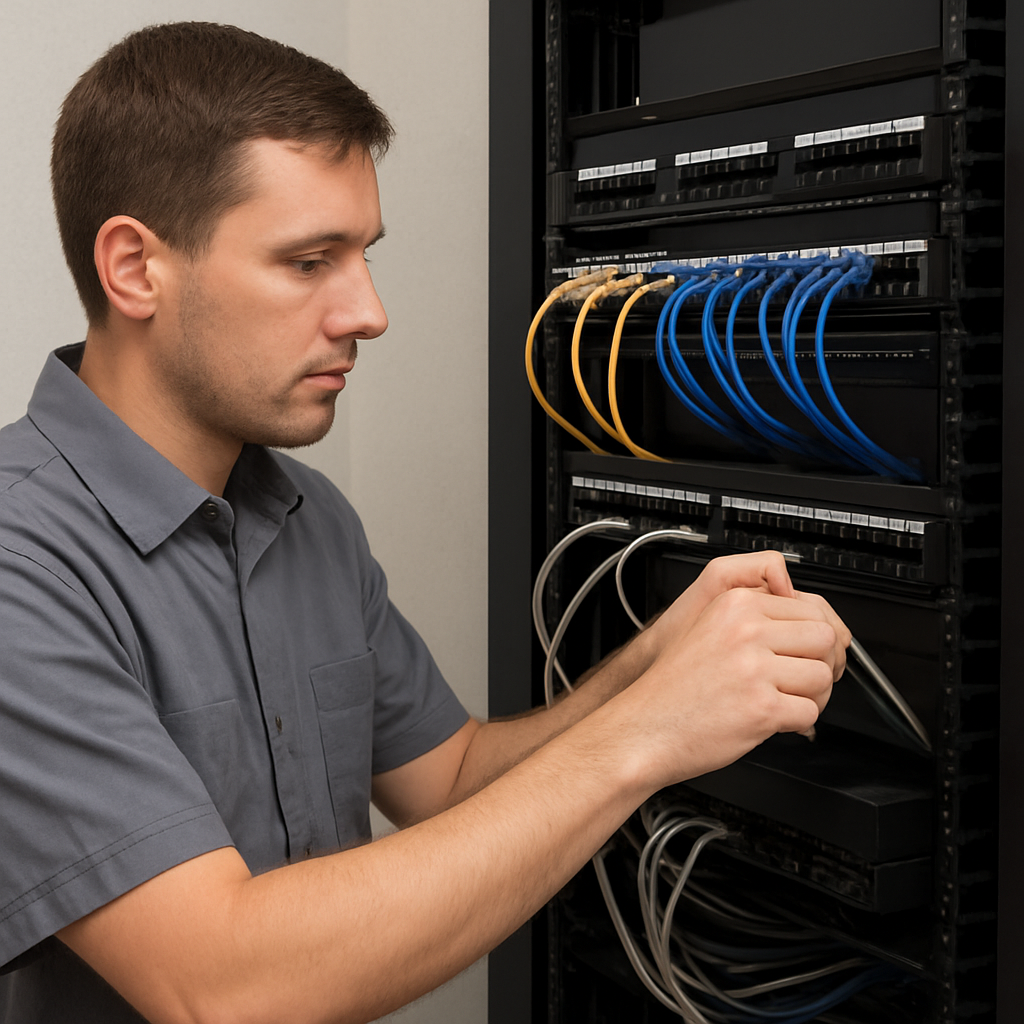
Zapa coordinates vetted U.S. technician partners for eligible installation and onsite support projects. Technician availability depends on market, project scope, required equipment, licensing, and scheduling.
- 01
Site review
Zapa reviews the location, scope, and equipment needs.
- 02
Technician assignment
A vetted U.S. technician partner is matched to the work.
- 03
Equipment preparation
Required hardware and materials are prepared.
- 04
Installation window
A service window is scheduled and confirmed.
- 05
Configuration
Connectivity, network, and devices are configured.
- 06
Documentation
Work is documented with records and details.
- 07
Follow-up support
Zapa supports the environment after the visit.
- Vetted U.S. technician partners
- Licensed and insured where required
- Same-day or next-day dispatch where available
- Zapa-branded field service over time
Documentation
Documentation included with managed installations.
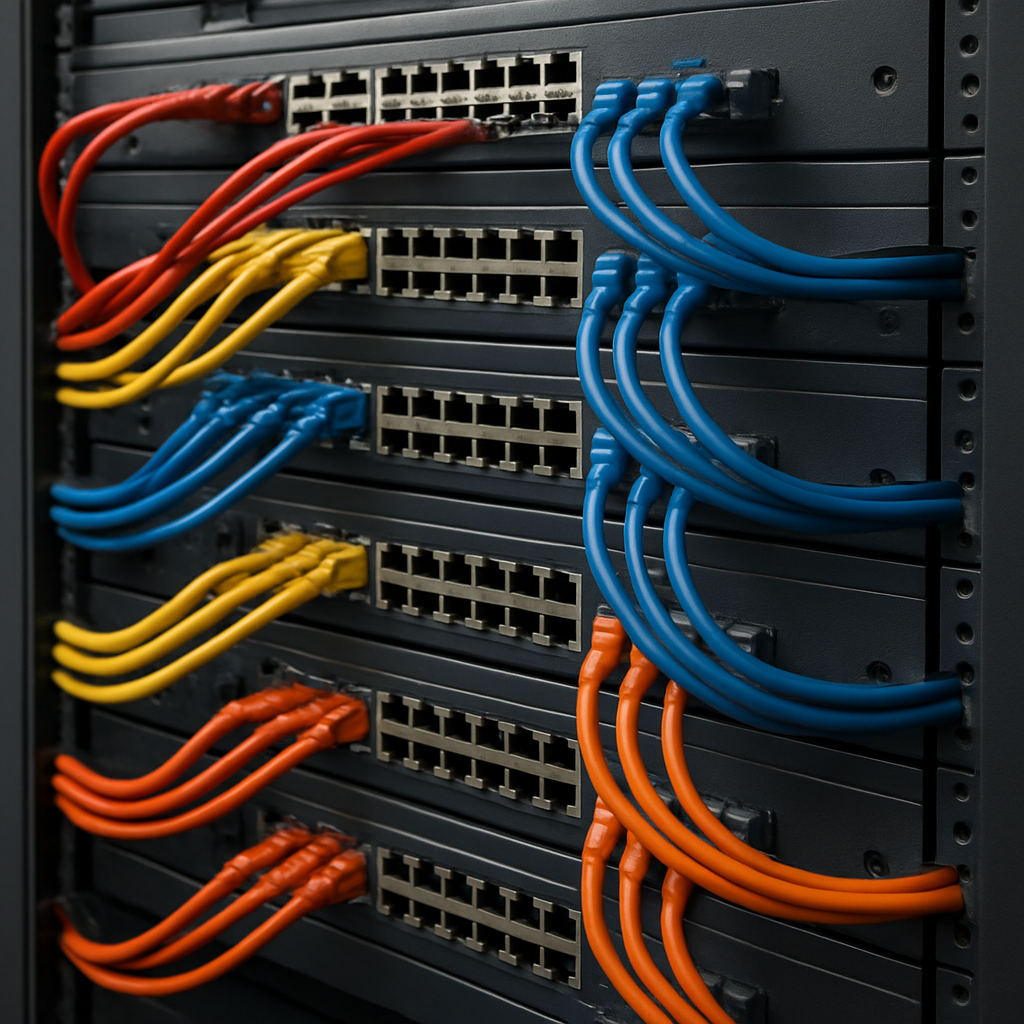
Every managed installation is documented so your environment is understood, supportable, and ready to scale — not left undocumented after the technician leaves.
- Site summary
- Provider details
- Equipment list
- Network map
- Wi-Fi records
- Firewall notes
- Support plan details
- Service history
- Future upgrade recommendations
Existing customer?
Open tickets, track project activity, and access your documentation from the Customer Portal.